
Venturing into the world of cryptocurrency can feel like stepping into a new frontier. You’ve heard the buzz, seen the headlines, and you’re ready to make your first move. But before you buy your first Bitcoin or Ethereum, there’s a crucial first step that many beginners overlook: learning how to create a wallet for cryptocurrency and setting up a secure vault. Without a proper wallet, your digital assets are left vulnerable. This guide will help you find the best cryptocurrency wallet UK options and teach you how to create crypto wallet for beginners in 2026.
💡 Understanding the Core Concepts: What Exactly is a Crypto Wallet?
Before you can create crypto wallet for beginners, it’s essential to grasp the fundamental technology that makes it work. Understanding these basics will empower you to manage your assets securely and confidently. Forget everything you know about traditional banking; the world of crypto operates on a different set of principles, all revolving around crypto wallet security and decentralised ledgers.
It’s Not a Wallet, It’s a Keychain
Your cryptocurrency isn’t stored in a single file. It exists as a transaction record on a decentralised public ledger known as the blockchain. Your wallet holds the cryptographic keys that prove ownership. To ensure maximum crypto wallet security, you must understand the distinction between your keys:
- Public Key: This is derived from your private key and is used to generate your wallet address. Think of this as your bank account number. You can share it freely with anyone who wants to send you cryptocurrency.
- Private Key: This is the single most important piece of information in your crypto life. It’s a secret, complex cryptographic code that grants access to your funds. Anyone with your private key can control your assets. This is like your bank account PIN, but infinitely more critical. For a deeper dive, our guide on understanding private keys is a must-read.
The All-Important Seed Phrase (Recovery Phrase)
When you create a non-custodial wallet, you’ll be given a ‘seed phrase’ or ‘recovery phrase’. This is typically a list of 12 or 24 random words. This phrase is the master key to your entire wallet. If your phone is lost, your computer crashes, or your hardware wallet breaks, you can use this seed phrase to restore full access to your funds on a new device.
Treat your seed phrase like the ultimate treasure:
- Write it down: Use a pen and paper. Do not store it as a screenshot, in a text file, or in a password manager. Digital storage is vulnerable to hacking.
- Store it securely: Keep the paper copy in a fireproof safe, a bank deposit box, or another secure, offline location. Some people create multiple copies and store them in different locations.
- Never share it: No legitimate service or support agent will ever ask for your seed phrase. Anyone who does is trying to scam you.
📊 Choosing Your Fortress: Custodial vs. Non-Custodial & Hot vs. Cold Wallets
The best cryptocurrency wallet UK for you depends on your goals. Are you a long-term investor or an active trader? Your answer will guide your choice between different types of security and convenience.
The First Big Decision: Custodial vs. Non-Custodial
- Custodial Wallets: These are wallets where a third party (like a cryptocurrency exchange) holds your private keys for you. When you buy crypto on a major exchange and leave it there, you’re using a custodial wallet.
Pros: Easy to use, convenient for beginners, and you can recover your account via customer support if you forget your password.
Cons: You are trusting the exchange’s security. This is where the famous saying, “Not your keys, not your coins,” comes from. If the exchange is hacked, you could lose your funds. - Non-Custodial Wallets: With these wallets, you have sole control over your private keys and seed phrase. You are your own bank.
Pros: Complete control and ownership of your assets. This is the most secure way to store cryptocurrency.
Cons: Complete responsibility. If you lose your seed phrase, there is no one to call. Your funds will be lost forever.
The Temperature Check: Hot Wallets vs. Cold Wallets
When researching how to create crypto wallet for beginners, you’ll encounter the debate of hot wallet vs cold wallet:
- Hot Wallets: These are software-based wallets that run on internet-connected devices like your computer or smartphone (e.g., mobile apps, desktop apps, browser extensions). They are convenient for frequent transactions.
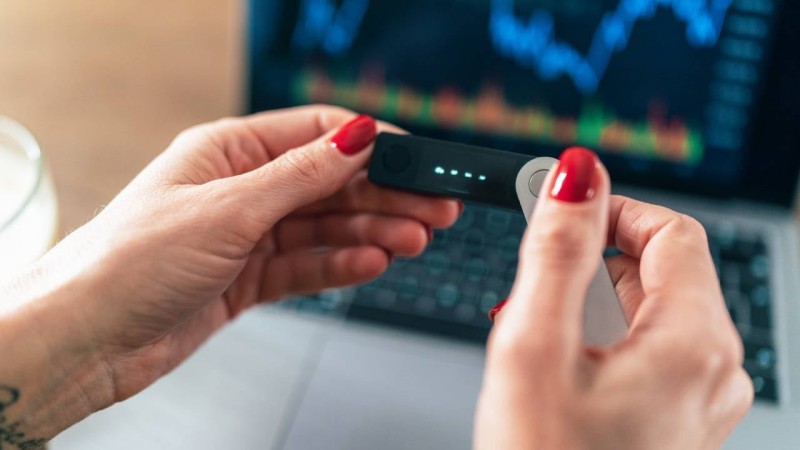
Risk: Their online nature makes them more vulnerable to cyberattacks. - Cold Wallets: These are physical devices (hardware wallets) or paper wallets that store your private keys offline. They are considered the gold standard for security.
Risk: They are less convenient for quick or frequent transactions and can be lost or damaged physically.
Here’s a comparison to help you decide:
| Feature | Hot Wallet (Software) | Cold Wallet (Hardware) | Cold Wallet (Paper) |
|---|---|---|---|
| Type | Desktop/Mobile App, Browser Extension | Physical USB-like device | Printed QR codes/keys |
| Connectivity | Always online | Offline (connects only to sign transactions) | Fully offline |
| Security Level | Good (but vulnerable) | Excellent | High (but has own risks) |
| Convenience | High | Medium | Low |
| Cost | Usually Free | £50 – £200 | Free (cost of printing) |
| Best For | Beginners, frequent traders, small amounts | Long-term investors, large amounts | Deep cold storage (largely outdated) |
📈 Step-by-Step Guide: Creating Your First Crypto Wallet (Using a Software Wallet)
For most, a non-custodial software wallet is the perfect way to create crypto wallet for beginners. It offers a great balance of security and usability.
Step 1: Choose and Download the Official App
Scammers often create fake wallet apps to steal funds. To avoid this, always go to the official website of the wallet provider to find the correct download links for your device (iOS, Android, or browser extension). Double-check the URL to ensure it’s legitimate.
Step 2: Create a New Wallet
Once installed, open the app. You’ll be given the option to ‘Create a new wallet’ or ‘Import an existing wallet’. Select ‘Create a new wallet’. The process is usually very straightforward.
Step 3: Secure Your Seed Phrase (The Critical Moment)
This is the most important step. The wallet will now display your 12 or 24-word seed phrase. It will instruct you to write it down and store it securely. Take this seriously. Do not proceed until you have physically written it down. The app will then likely test you by asking you to re-enter the words in the correct order to prove you’ve recorded them.
Step 4: Set a Strong Password
You will be asked to create a password. This password is for this specific installation on this device. It acts as a local barrier to stop someone from accessing the wallet on your phone or computer. It does *not* protect the wallet itself; the seed phrase does that. Use a unique and strong password.
Step 5: Find Your Wallet Address
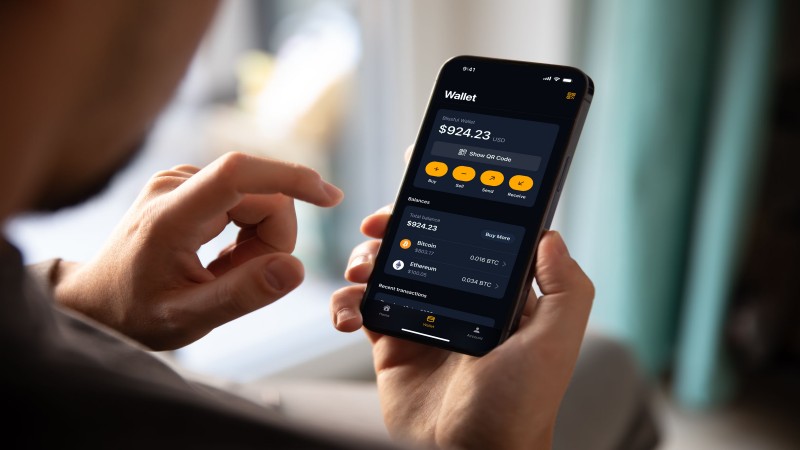
Congratulations, your wallet is set up! Now, to receive funds, you need your public wallet address. Look for a ‘Receive’ button. This will display your address—a long string of letters and numbers—and often a corresponding QR code. This is the address you can safely share with others to receive cryptocurrency.
🧭 What’s Next? Funding and Using Your Wallet
Now that your secure vault is ready, it’s time to put something in it. This involves buying cryptocurrency from an exchange and sending it to your new non-custodial wallet address.
Buying Your First Crypto
To convert your British Pounds (GBP) into crypto, you’ll need to use a brokerage or exchange platform. Platforms such as Ultima Markets offer a gateway to purchase a wide range of digital assets. You’ll typically need to set up an account, verify your identity, and then you can buy crypto using a bank transfer or debit card.
Making Your First Transfer: The Test Transaction
Once you’ve bought crypto, move it to your non-custodial wallet. Follow the Ultima Markets Deposits & Withdrawals guide to ensure a smooth transfer. Always send a small test amount first to verify the address.
Conclusion
Learning how to create a wallet for cryptocurrency is your first step towards digital ownership. By weighing the pros of hot wallet vs cold wallet setups and prioritizing crypto wallet security, you build a solid foundation. The best cryptocurrency wallet UK is the one that you manage with care and diligence.
FAQ
1. Can I have multiple crypto wallets?
Absolutely. It’s common and even recommended for security. You might use a mobile hot wallet for small, daily transactions and a hardware cold wallet for storing the bulk of your long-term investments.
2. What happens if I lose my phone or my computer breaks?
As long as you have your seed phrase, you are safe. You can simply download the same wallet app on a new device and use the ‘Import’ or ‘Restore’ function with your seed phrase to regain full access to all your funds.
3. Are crypto wallets anonymous?
Not exactly. They are pseudonymous. Your name isn’t directly attached to your wallet, but all transactions are publicly and permanently recorded on the blockchain. If your address is ever linked to your real-world identity, your entire transaction history can be traced.
4. How much does it cost to create a crypto wallet?
Software wallets (mobile, desktop, browser extensions) are almost always free to download and use. Hardware wallets, which provide a higher level of security, are physical devices that you need to purchase, typically costing between £50 and £200.
5. Which cryptocurrencies can I store in my wallet?
This depends entirely on the wallet you choose. Some wallets, like specific Bitcoin wallets, only support one currency. However, most popular wallets today are multi-currency and can hold hundreds or even thousands of different cryptocurrencies and tokens.
*This article represents the author’s personal views only and is for reference purposes. It does not constitute any professional advice.*